Fast Internet Condos in Bangkok: What to Check Before Renting
Guides
Fast Internet Condos in Bangkok: What to Check Before Renting
Find the perfect Bangkok condo with reliable high-speed internet for your needs

Summary
Learn what to look for in fast internet condos in Bangkok before signing a lease. Essential tips for renters seeking reliable connectivity and quality livi
Internet speed sounds like a technical detail until you're stuck in a video call that keeps freezing or trying to download files on a connection that feels stuck in 2010. If you're hunting for a condo in Bangkok, especially as an expat or remote worker, fast and stable internet isn't a luxury anymore, it's a baseline requirement. The difference between a 10 Mbps connection and a 100 Mbps one can literally change how you work and live here. This guide walks you through what to actually look for when checking internet speeds in Bangkok condos, plus the neighborhoods and building types that tend to deliver the speed you need.
Why Internet Speed Matters More Than You Think in Bangkok
Bangkok's rental market is competitive, and landlords know it. A lot of condo listings mention "high-speed internet" without any real detail about what that means. Some buildings have fiber optic cables running to the lobby but ancient copper wiring in individual units. Others promise fiber speeds but cap your actual bandwidth with outdated routers or oversold ISP connections.
If you work remotely, stream video, or run any kind of online business, slow internet isn't just annoying, it costs you money and credibility. According to market data from the Thai telecom sector, average broadband speeds in Bangkok range from 25 to 150 Mbps depending on the provider and infrastructure, but that's just an average. Your actual speed depends heavily on your specific building, unit location, and the ISP you choose.
A real example: A software developer living in a condo near BTS Thonglor signed a lease without testing the connection. The building had internet listed in the amenities, but the provider was a local ISP with shared bandwidth across 400 units. His upload speeds were so bad he had to work from a co-working space half the week. He ended up breaking his lease after five months.
Check the ISP and Infrastructure Before You Sign
This is step one and it's non-negotiable. Bangkok's main internet service providers are AIS Fibre, TrueMove H, Cablenet, TOT, and a handful of smaller regional players. Each has different infrastructure coverage and speeds. Your condo might only have contracts with one or two providers, which severely limits your options.
Ask the landlord or rental agent directly: which ISPs service this building, what speeds do they guarantee, and can you speak to a current tenant about their actual experience? Don't trust the marketing copy. Fiber-optic infrastructure (FTTH, or Fiber to the Home) is genuinely fast, but it only helps if the building actually has it installed. A lot of older condos use ADSL or hybrid systems that max out around 24 Mbps no matter what plan you pay for.
AIS Fibre in particular covers most central Bangkok areas like Sukhumvit, Silom, and Ploenchit, and can deliver speeds up to 300 Mbps. TrueMove H has solid coverage but is patchier in some older neighborhoods. Cablenet serves specific areas with cable infrastructure. Check the AIS website or call your potential ISP directly with the condo's address and ask what packages are actually available there.
Neighborhood Matters: Where You Get the Best Speeds
Bangkok's internet infrastructure isn't evenly distributed. Newer commercial buildings and condos in central business districts have better fiber coverage. Some outlying or older residential areas still rely on older technology with slower maximum speeds.
Central areas like Sukhumvit between Soi 12 and Soi 71 (covering BTS Nana through BTS Prom Pong) have excellent ISP coverage, with multiple fiber providers competing. Average rent here runs 30,000 to 60,000 THB for a one-bedroom, and internet speeds reliably hit 100+ Mbps. Buildings like Aguston Sukhumvit or Baan Somphet get fiber from multiple providers.
Silom and Sathorn (BTS Chong Nonsi, BTS Sala Daeng area) also have strong fiber infrastructure because of the business district density. Competitive ISP coverage means better speeds and pricing, typically 35,000 to 70,000 THB monthly for a one-bed.
Areas further from central Bangkok like Rama 9, Bangna, or Srinakarin tend to have fewer ISP options and sometimes older infrastructure. You might find cheaper rents (20,000 to 40,000 THB), but speed reliability can be inconsistent. If you need guaranteed fast internet, stick closer to the BTS/MRT spine.
Test Before You Commit: What Speeds Actually Mean
Download speed is what most people quote, but upload speed matters just as much if you video call for work or run any server-dependent application. Ping (latency) is crucial for gaming or real-time applications. Jitter (inconsistency in latency) can wreck video meetings even if your overall speed looks fine.
Here's what you actually need to know: Zoom and Google Meet run decently on 5 Mbps download, but 10-25 Mbps is more comfortable for HD. Netflix and streaming need 25 Mbps for 4K, but 15 Mbps handles 1080p easily. Large file uploads or downloads, heavy cloud work, or running servers require 50+ Mbps both directions. If you're serious, ask the landlord if you can spend 30 minutes in the actual unit running a speed test. Use Speedtest.net or the AIS/TrueMove apps to get real numbers at the exact time of day you'd be working.
Don't just test download speed at 2pm on a Tuesday. Run tests in the evening peak hours (6 to 10pm) when ISPs often throttle due to congestion. Real-world speed drops are common in Bangkok because ISPs oversell capacity during peak times.
Building Type and Age: How Old Infrastructure Limits Speed
Older condos built before 2010 often have outdated wiring that physically can't carry modern speeds, even if fiber is available outside the building. The internal infrastructure might still be twisted copper pairs instead of fiber, capping speeds at 24 Mbps regardless of what your ISP package promises.
Newer buildings (2015 onwards) usually have fiber ducting pre-installed during construction, making it cheaper for ISPs to deploy fiber and easier for you to switch providers if one underperforms. Luxury or high-rise buildings in central areas often have partnerships with multiple ISPs and better overall network infrastructure, but you pay for that (usually 40,000 to 100,000+ THB monthly for a one-bed).
Mid-range condos built in the 2010-2015 window are a mixed bag. Some have great fiber infrastructure, others don't. This is where asking current tenants becomes essential. Real example: a 15-story condo on Sukhumvit Soi 26 built in 2012 has beautiful furnished units and reasonable rent (28,000 THB for a one-bed), but the ISP infrastructure is older and speeds cap out around 50 Mbps even on premium plans.
Router Quality and Your Own Setup Matter Too
Fast internet arriving at your unit doesn't mean much if you're using a router from 2015 or the basic one your ISP provided. Many ISPs in Bangkok give you a basic modem-router combo that's decent enough for casual use but underperforms under load.
If you're serious about speed, budget 3,000 to 6,000 THB for a solid WiFi 6 router (TP-Link, ASUS, or Netgear models widely available at MBK Center or online). Make sure your condo's walls don't interfere with signal, especially if you're far from the router. Thick concrete is common in Bangkok buildings and weakens WiFi significantly. Consider a mesh system (5,000 to 10,000 THB) if your unit is large or you're in a corner of the building.
Also check: can you mount external antennas? Do you get access to the ISP's modem settings to configure properly? Some landlords or buildings restrict this, which limits your ability to optimize.
Comparison: Internet Speeds and Neighborhoods in Bangkok
- Sukhumvit (Soi 12-71, BTS corridor): AIS Fibre, TrueMove H, Cablenet | 80-200 Mbps | 30,000-60,000 THB | Excellent (mostly fiber)
- Silom / Sathorn (BTS corridor): AIS Fibre, TrueMove H, TOT | 70-150 Mbps | 35,000-70,000 THB | Very Good (fiber common)
- Phrom Phong / Ekkamai: AIS Fibre, TrueMove H | 60-120 Mbps | 28,000-55,000 THB | Good (mostly fiber, some older buildings)
- Rama 9 / Huai Khwang: TrueMove H, TOT, local ISPs | 30-80 Mbps | 18,000-40,000 THB | Fair (mixed infrastructure, fewer ISP options)
- Bangna / Srinakarin: TrueMove H, local ISPs | 25-60 Mbps | 15,000-35,000 THB | Fair to Poor (older or limited infrastructure)
Your Speed Checklist Before Signing the Lease
Here's what to actually do before you commit: First, identify the exact condo and exact unit. Get the building's address. Contact AIS, TrueMove, or Cablenet's sales teams directly with that address and ask what packages they offer and typical speeds customers report. Don't rely on the landlord's word here.
Second, talk to at least two current tenants in the building if you can. Ask them what ISP they use, what speeds they actually get (especially during evening peak hours), and if they've had stability issues. A rental platform like Superagent can help you contact people who've rented in that specific building.
Third, if the building offers it, spend time in the actual unit and run speed tests. Test at different times: 2pm (off-peak), 6pm (moderate), and 9pm (peak). Write down the numbers. Compare them against your actual work needs.
Fourth, ask the landlord: is there a way to switch ISPs if you're unhappy? Some buildings have exclusive contracts that lock you into one provider. That's a red flag if your only option is a mediocre ISP.
Finding a Bangkok condo with truly fast internet requires a bit more due diligence than just scrolling through listings, but it saves you from the frustration of being locked into a slow connection for a year. The neighborhoods with the best infrastructure tend to be central, which means higher rent, but the speed and reliability actually justify the cost if you work online. Older areas or newer but less central neighborhoods can work if you're willing to test thoroughly and accept potential speed caps. Most importantly, verify infrastructure and speed claims yourself. Don't just trust the listing photos and the landlord's assurance. Your work depends on it.
When you're ready to search for condos with reliable internet, Superagent can help you filter by neighborhood and building type. Browse listings, read detailed descriptions of internet infrastructure, and connect with landlords who can answer your specific speed questions. Start your search on superagent.co and take the speed test guesswork out of your decision.
Internet speed sounds like a technical detail until you're stuck in a video call that keeps freezing or trying to download files on a connection that feels stuck in 2010. If you're hunting for a condo in Bangkok, especially as an expat or remote worker, fast and stable internet isn't a luxury anymore, it's a baseline requirement. The difference between a 10 Mbps connection and a 100 Mbps one can literally change how you work and live here. This guide walks you through what to actually look for when checking internet speeds in Bangkok condos, plus the neighborhoods and building types that tend to deliver the speed you need.
Why Internet Speed Matters More Than You Think in Bangkok
Bangkok's rental market is competitive, and landlords know it. A lot of condo listings mention "high-speed internet" without any real detail about what that means. Some buildings have fiber optic cables running to the lobby but ancient copper wiring in individual units. Others promise fiber speeds but cap your actual bandwidth with outdated routers or oversold ISP connections.
If you work remotely, stream video, or run any kind of online business, slow internet isn't just annoying, it costs you money and credibility. According to market data from the Thai telecom sector, average broadband speeds in Bangkok range from 25 to 150 Mbps depending on the provider and infrastructure, but that's just an average. Your actual speed depends heavily on your specific building, unit location, and the ISP you choose.
A real example: A software developer living in a condo near BTS Thonglor signed a lease without testing the connection. The building had internet listed in the amenities, but the provider was a local ISP with shared bandwidth across 400 units. His upload speeds were so bad he had to work from a co-working space half the week. He ended up breaking his lease after five months.
Check the ISP and Infrastructure Before You Sign
This is step one and it's non-negotiable. Bangkok's main internet service providers are AIS Fibre, TrueMove H, Cablenet, TOT, and a handful of smaller regional players. Each has different infrastructure coverage and speeds. Your condo might only have contracts with one or two providers, which severely limits your options.
Continue reading after that.
Looking for a condo
to rent?
Leave your name and phone. We'll follow up while you keep reading.
100% Secure
Fast Response
Free Consultation
Ask the landlord or rental agent directly: which ISPs service this building, what speeds do they guarantee, and can you speak to a current tenant about their actual experience? Don't trust the marketing copy. Fiber-optic infrastructure (FTTH, or Fiber to the Home) is genuinely fast, but it only helps if the building actually has it installed. A lot of older condos use ADSL or hybrid systems that max out around 24 Mbps no matter what plan you pay for.
AIS Fibre in particular covers most central Bangkok areas like Sukhumvit, Silom, and Ploenchit, and can deliver speeds up to 300 Mbps. TrueMove H has solid coverage but is patchier in some older neighborhoods. Cablenet serves specific areas with cable infrastructure. Check the AIS website or call your potential ISP directly with the condo's address and ask what packages are actually available there.
Neighborhood Matters: Where You Get the Best Speeds
Bangkok's internet infrastructure isn't evenly distributed. Newer commercial buildings and condos in central business districts have better fiber coverage. Some outlying or older residential areas still rely on older technology with slower maximum speeds.
Central areas like Sukhumvit between Soi 12 and Soi 71 (covering BTS Nana through BTS Prom Pong) have excellent ISP coverage, with multiple fiber providers competing. Average rent here runs 30,000 to 60,000 THB for a one-bedroom, and internet speeds reliably hit 100+ Mbps. Buildings like Aguston Sukhumvit or Baan Somphet get fiber from multiple providers.
Silom and Sathorn (BTS Chong Nonsi, BTS Sala Daeng area) also have strong fiber infrastructure because of the business district density. Competitive ISP coverage means better speeds and pricing, typically 35,000 to 70,000 THB monthly for a one-bed.
Areas further from central Bangkok like Rama 9, Bangna, or Srinakarin tend to have fewer ISP options and sometimes older infrastructure. You might find cheaper rents (20,000 to 40,000 THB), but speed reliability can be inconsistent. If you need guaranteed fast internet, stick closer to the BTS/MRT spine.
Test Before You Commit: What Speeds Actually Mean
Download speed is what most people quote, but upload speed matters just as much if you video call for work or run any server-dependent application. Ping (latency) is crucial for gaming or real-time applications. Jitter (inconsistency in latency) can wreck video meetings even if your overall speed looks fine.
Here's what you actually need to know: Zoom and Google Meet run decently on 5 Mbps download, but 10-25 Mbps is more comfortable for HD. Netflix and streaming need 25 Mbps for 4K, but 15 Mbps handles 1080p easily. Large file uploads or downloads, heavy cloud work, or running servers require 50+ Mbps both directions. If you're serious, ask the landlord if you can spend 30 minutes in the actual unit running a speed test. Use Speedtest.net or the AIS/TrueMove apps to get real numbers at the exact time of day you'd be working.
Don't just test download speed at 2pm on a Tuesday. Run tests in the evening peak hours (6 to 10pm) when ISPs often throttle due to congestion. Real-world speed drops are common in Bangkok because ISPs oversell capacity during peak times.
Building Type and Age: How Old Infrastructure Limits Speed
Older condos built before 2010 often have outdated wiring that physically can't carry modern speeds, even if fiber is available outside the building. The internal infrastructure might still be twisted copper pairs instead of fiber, capping speeds at 24 Mbps regardless of what your ISP package promises.
Newer buildings (2015 onwards) usually have fiber ducting pre-installed during construction, making it cheaper for ISPs to deploy fiber and easier for you to switch providers if one underperforms. Luxury or high-rise buildings in central areas often have partnerships with multiple ISPs and better overall network infrastructure, but you pay for that (usually 40,000 to 100,000+ THB monthly for a one-bed).
Mid-range condos built in the 2010-2015 window are a mixed bag. Some have great fiber infrastructure, others don't. This is where asking current tenants becomes essential. Real example: a 15-story condo on Sukhumvit Soi 26 built in 2012 has beautiful furnished units and reasonable rent (28,000 THB for a one-bed), but the ISP infrastructure is older and speeds cap out around 50 Mbps even on premium plans.
Router Quality and Your Own Setup Matter Too
Fast internet arriving at your unit doesn't mean much if you're using a router from 2015 or the basic one your ISP provided. Many ISPs in Bangkok give you a basic modem-router combo that's decent enough for casual use but underperforms under load.
If you're serious about speed, budget 3,000 to 6,000 THB for a solid WiFi 6 router (TP-Link, ASUS, or Netgear models widely available at MBK Center or online). Make sure your condo's walls don't interfere with signal, especially if you're far from the router. Thick concrete is common in Bangkok buildings and weakens WiFi significantly. Consider a mesh system (5,000 to 10,000 THB) if your unit is large or you're in a corner of the building.
Continue reading after that.
Looking for a condo
to rent?
Leave your name and phone. We'll follow up while you keep reading.
100% Secure
Fast Response
Free Consultation
Also check: can you mount external antennas? Do you get access to the ISP's modem settings to configure properly? Some landlords or buildings restrict this, which limits your ability to optimize.
Comparison: Internet Speeds and Neighborhoods in Bangkok
- Sukhumvit (Soi 12-71, BTS corridor): AIS Fibre, TrueMove H, Cablenet | 80-200 Mbps | 30,000-60,000 THB | Excellent (mostly fiber)
- Silom / Sathorn (BTS corridor): AIS Fibre, TrueMove H, TOT | 70-150 Mbps | 35,000-70,000 THB | Very Good (fiber common)
- Phrom Phong / Ekkamai: AIS Fibre, TrueMove H | 60-120 Mbps | 28,000-55,000 THB | Good (mostly fiber, some older buildings)
- Rama 9 / Huai Khwang: TrueMove H, TOT, local ISPs | 30-80 Mbps | 18,000-40,000 THB | Fair (mixed infrastructure, fewer ISP options)
- Bangna / Srinakarin: TrueMove H, local ISPs | 25-60 Mbps | 15,000-35,000 THB | Fair to Poor (older or limited infrastructure)
Your Speed Checklist Before Signing the Lease
Here's what to actually do before you commit: First, identify the exact condo and exact unit. Get the building's address. Contact AIS, TrueMove, or Cablenet's sales teams directly with that address and ask what packages they offer and typical speeds customers report. Don't rely on the landlord's word here.
Second, talk to at least two current tenants in the building if you can. Ask them what ISP they use, what speeds they actually get (especially during evening peak hours), and if they've had stability issues. A rental platform like Superagent can help you contact people who've rented in that specific building.
Third, if the building offers it, spend time in the actual unit and run speed tests. Test at different times: 2pm (off-peak), 6pm (moderate), and 9pm (peak). Write down the numbers. Compare them against your actual work needs.
Fourth, ask the landlord: is there a way to switch ISPs if you're unhappy? Some buildings have exclusive contracts that lock you into one provider. That's a red flag if your only option is a mediocre ISP.
Finding a Bangkok condo with truly fast internet requires a bit more due diligence than just scrolling through listings, but it saves you from the frustration of being locked into a slow connection for a year. The neighborhoods with the best infrastructure tend to be central, which means higher rent, but the speed and reliability actually justify the cost if you work online. Older areas or newer but less central neighborhoods can work if you're willing to test thoroughly and accept potential speed caps. Most importantly, verify infrastructure and speed claims yourself. Don't just trust the listing photos and the landlord's assurance. Your work depends on it.
When you're ready to search for condos with reliable internet, Superagent can help you filter by neighborhood and building type. Browse listings, read detailed descriptions of internet infrastructure, and connect with landlords who can answer your specific speed questions. Start your search on superagent.co and take the speed test guesswork out of your decision.
Share this article
Properties you may like
![[For Rent&Sale] CONDO I Park Origin Phrom Phong I 1 Bed I 1 Bath I Rent 25,000THB/mo - Sale 4.8mb THB](/_next/image?url=https%3A%2F%2Fstorage.googleapis.com%2Fsuperagent-web%2Fattachments%2Flistings%2F6825%2F8bbfe15d-0151-4ba5-8bbc-c931b777d509-1207-1.jpg&w=3840&q=75)
฿25,000
1 Bed126 sqm
[For Rent&Sale] CONDO I Park Origin Phrom Phong I 1 Bed I 1 Bath I Rent 25,000THB/mo - Sale 4.8mb THB
Phrom Phong
Condo![[For Rent] CONDO I Culture Thonglor I 1 Bed I 1 Bath I 22,000THB/mo](/_next/image?url=https%3A%2F%2Fstorage.googleapis.com%2Fsuperagent-web%2Fattachments%2Flistings%2F2271%2Fcb90f802-330c-49a2-a142-2e33a8127032-culture_thonglor_for_rent_02.jpg&w=3840&q=75)
฿22,000
1 Bed126 sqm
[For Rent] CONDO I Culture Thonglor I 1 Bed I 1 Bath I 22,000THB/mo
Thonglor
Condo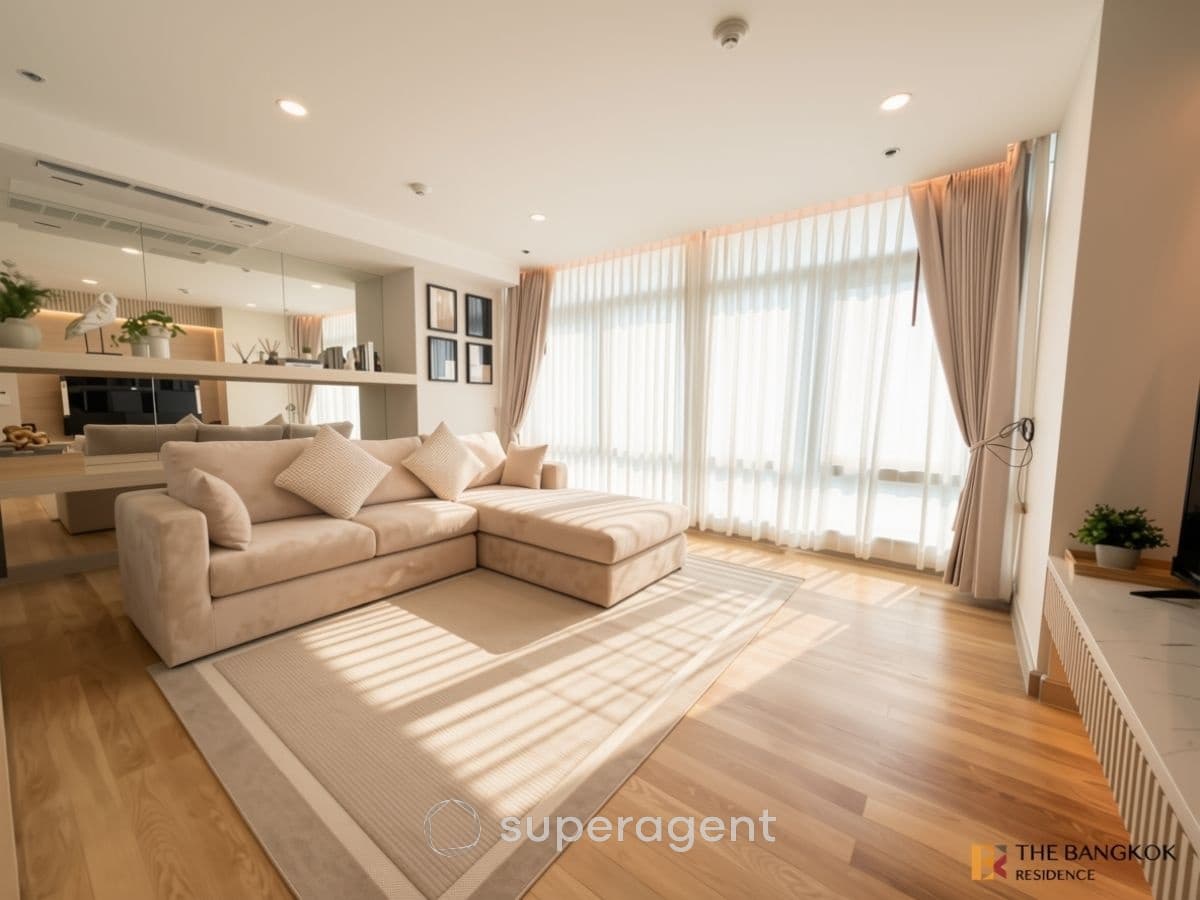
฿120,000
3 Bed3165 sqm
The Height Thonglor, 3BR 165 sq.m. 120K Show Unit Feel, Great Price, Rare Item in the Heart of Thonglor, Near BTS Thonglo
Condo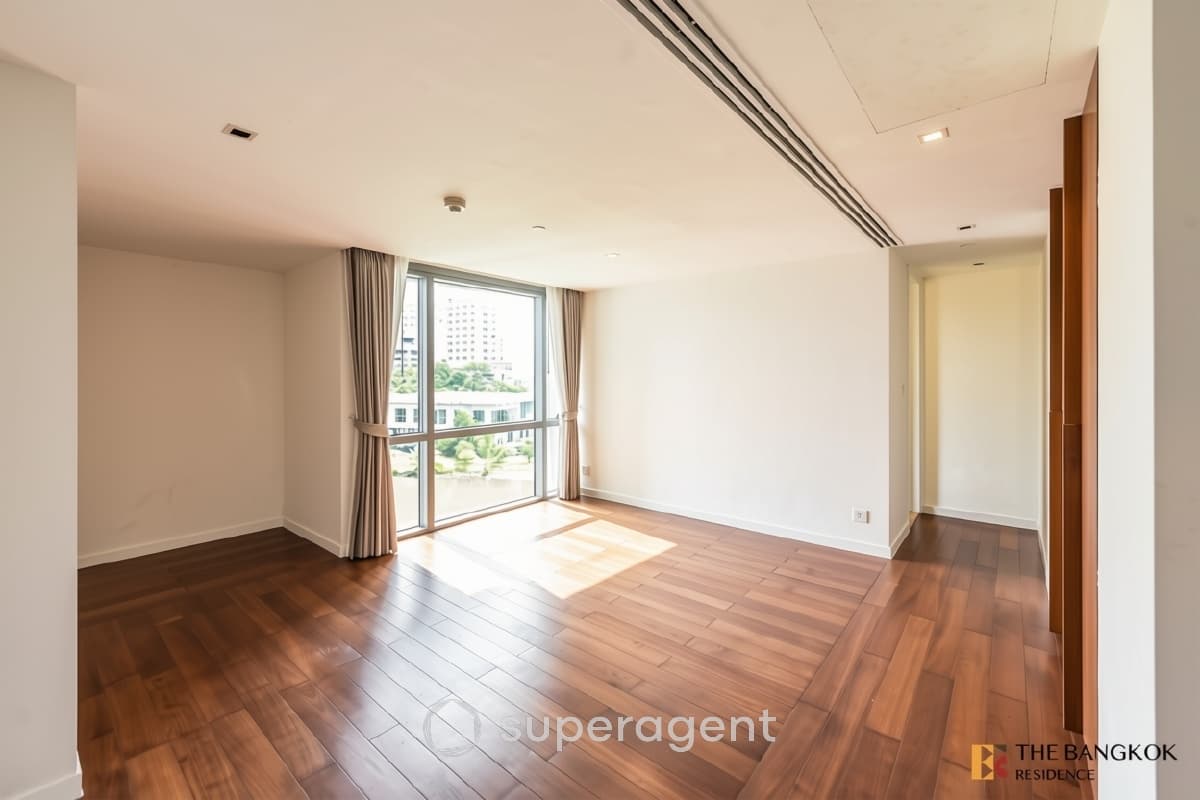
฿180,000
3 Bed4453 sqm
The Pano, 3BR 453sq.m. 180K Spacious Unit, Stunning Views
Condo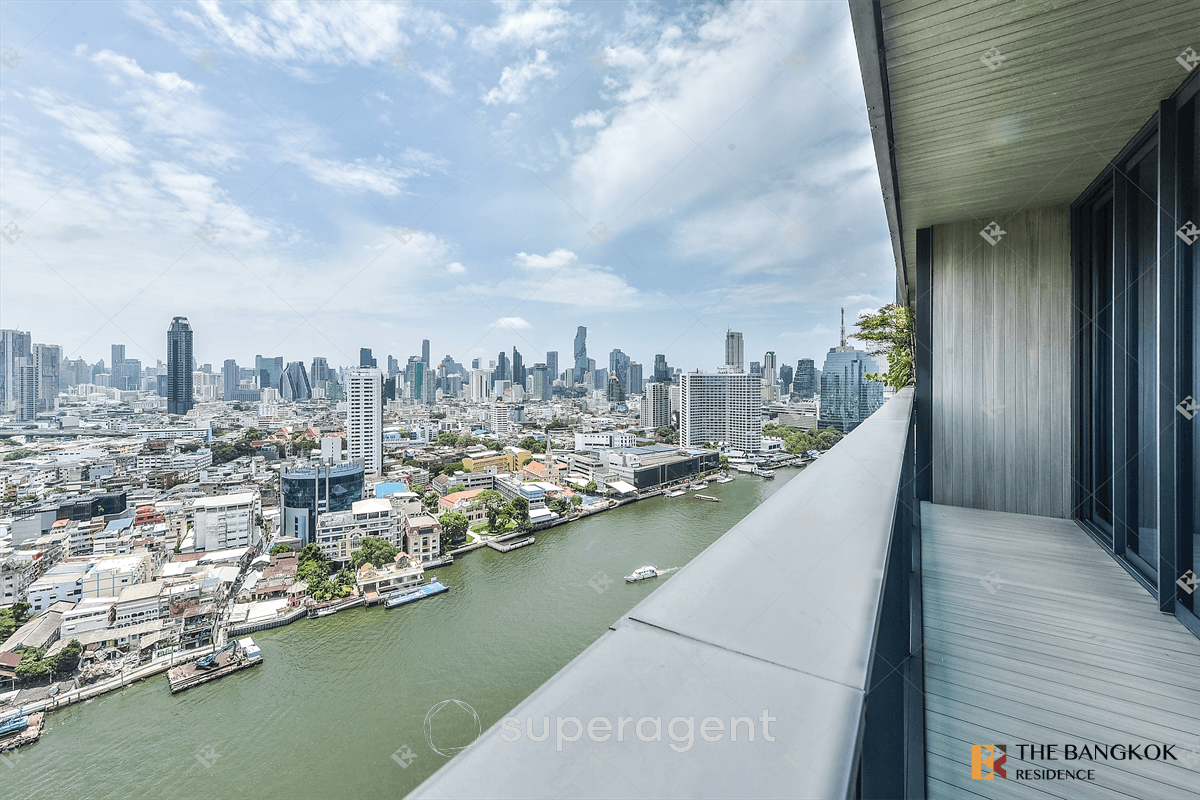
฿190,000
2 Bed2178.3 sqm
Banyan Tree Residence Riverside Bangkok, 2BR 178.34 sq.m. 190K Beautiful Fully Furnished Unit, Near BTS Saphan Taksin
Charoen Nakhon
Condo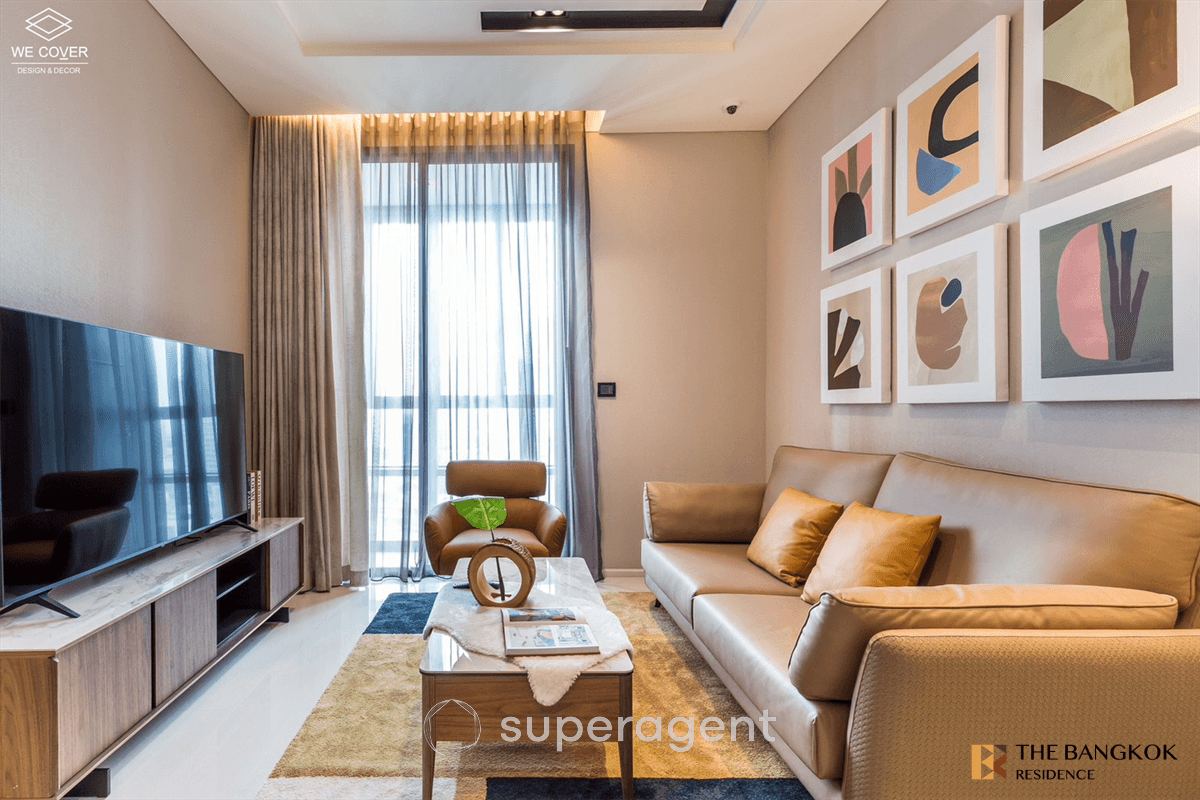
฿59,000
1 Bed155.8 sqm
The Bangkok Thonglor, 1BR 55.8 sq.m. 59K, Premium High Floor Unit, Near BTS Thonglo
Thonglor
Condo![[For Rent] CONDO I Culture Chula I Duplex I 1 Bed I 1 Bath I 35,000THB/mo](/_next/image?url=https%3A%2F%2Fstorage.googleapis.com%2Fsuperagent-web%2Fattachments%2Flistings%2F6760%2F8deaff98-ecb1-4c62-b9be-aecac2f65797-1140-1.jpg&w=3840&q=75)
฿35,000
1 Bed138 sqm
[For Rent] CONDO I Culture Chula I Duplex I 1 Bed I 1 Bath I 35,000THB/mo
Siam
Condo![[For Rent] CONDO I Ideo Chula Samyan I 1 Bed I 1 Bath I 30,000THB/mo](/_next/image?url=https%3A%2F%2Fstorage.googleapis.com%2Fsuperagent-web%2Fattachments%2Flistings%2F6872%2Ff9ab570c-e4ca-41d6-90ee-a8e581218438-1271-8.jpg&w=3840&q=75)
฿30,000
1 Bed135 sqm
[For Rent] CONDO I Ideo Chula Samyan I 1 Bed I 1 Bath I 30,000THB/mo
Siam
Condo![[For Rent] TOWNHOME I Quarter 31 I 4 Beds I 5 Baths I 280,000THB/mo](/_next/image?url=https%3A%2F%2Fstorage.googleapis.com%2Fsuperagent-web%2Fattachments%2Flistings%2F1724%2Fb24f7c3a-8acd-49e4-ae85-6a31498207e4-600-2.jpg&w=3840&q=75)
฿280,000
4 Bed5425 sqm
[For Rent] TOWNHOME I Quarter 31 I 4 Beds I 5 Baths I 280,000THB/mo
Phrom Phong
Condo![[For Rent&Sale] CONDO I TC Green Rama 9 I 1 Bed I 1 Bath I Rent 15,000THB/mo - Sale 2.8mb THB](/_next/image?url=https%3A%2F%2Fstorage.googleapis.com%2Fsuperagent-web%2Fattachments%2Flistings%2F6750%2F47e9c291-b440-4d94-8168-c22bdaf34baf-1123-1.jpg&w=3840&q=75)
฿15,000
1 Bed139 sqm
[For Rent&Sale] CONDO I TC Green Rama 9 I 1 Bed I 1 Bath I Rent 15,000THB/mo - Sale 2.8mb THB
Rama 9
CondoMore like this
 In Guides · Superagent EditorialHidden Costs of Renting a Condo in Bangkok Nobody Warns You AboutBangkok condo rent looks affordable until month one hits. Here are the real costs beyond the headline figure that catch most renters off guard.25 May 20261 min read
 In Guides · Superagent EditorialWhat a Long-Vacant Bangkok Condo Unit Is Actually Telling YouA Bangkok condo vacant for months signals overpricing, landlord issues, or real problems. Here is how to read the signs.25 May 20261 min read
 In Guides · Superagent EditorialRed Flags in a Bangkok Rental Contract to Watch Out ForBangkok rental contracts often hide risky clauses. Here are the red flags every tenant must catch before signing any lease.25 May 20261 min read
 In Guides · Superagent EditorialWorking Online from a Condo: How to Choose the Perfect Room for ProductivityLearn how to choose the best condo room for working online with tips on lighting, noise, and furniture setup to maximize productivity.9 May 20261 min read